
Turn your saved posts into a local Mac library.
Browse every saved post in a visual grid, search the text, images, articles, and quoted tweets, then send a hand-picked selection to ChatGPT, Claude, Grok, or Gemini as ready-made context.
From X, Instagram, Bluesky and Are.na, all in one place.
Find anything
Search that goes deeper than the tweet.
Type a word and every saved post that mentions it appears instantly. We search the tweet itself, the quoted tweet, the article it links to — even text inside screenshots.
- ✓ Find any tweet by typing one word from it
- ✓ Linked articles and even text in screenshots are searchable
- ✓ Type
@to filter by author,#to filter by tag
Make connections
Pick a tweet, see every related one.
Pick a tweet, hit Find Similar, see every other thing you’ve saved on the same topic — even when the words don’t match. Or send a tweet (or a handful) straight into ChatGPT, Claude, Grok, or Gemini for a real conversation about what you bookmarked.
- ✓ Find related posts across your whole library, not just word matches
- ✓ One click to send any selection to ChatGPT, Claude, Grok, or Gemini
- ✓ Bring your X archive into the AI conversations you already have
One library
Your saves, from everywhere.
X comes first. The rest sit beside it, searchable together, and everything stays on your Mac.
X
Bookmarks and bookmark folders.
Instagram Beta
Saved posts and collections, using your browser’s sign-in on the Mac.
Bluesky Beta
Bookmarks, synced with an app password.
Are.na Beta
Your channels, synced with an access token.
For AI agents. A bookmarkbro command
lets Claude Code and Codex search your bookmarks, read-only. Set it
up in Bookmark Bro › For Agents…
Built native
No accounts. No servers. Just yours.
Your bookmarks live on your Mac, and in your own iCloud if you want them on your iPhone. Sync uses the sign-ins you already have. No subscription, and nothing in the middle of your data.
Yours, locally
Your bookmarks live on your Mac. No accounts and no Bookmark Bro servers; just anonymous counts you can turn off. Built for paranoid power users.
Built for the Mac
Not a website wrapped in a window. Smooth scrolling on libraries with thousands of bookmarks, native animations, made for Apple Silicon.
One-click sync
Already signed in to x.com in Chrome, Arc, Brave, Edge, Vivaldi, Opera, or another Chromium-family browser? You’re done. No API keys, no copy-pasting cookies.
On your iPhone · Public beta
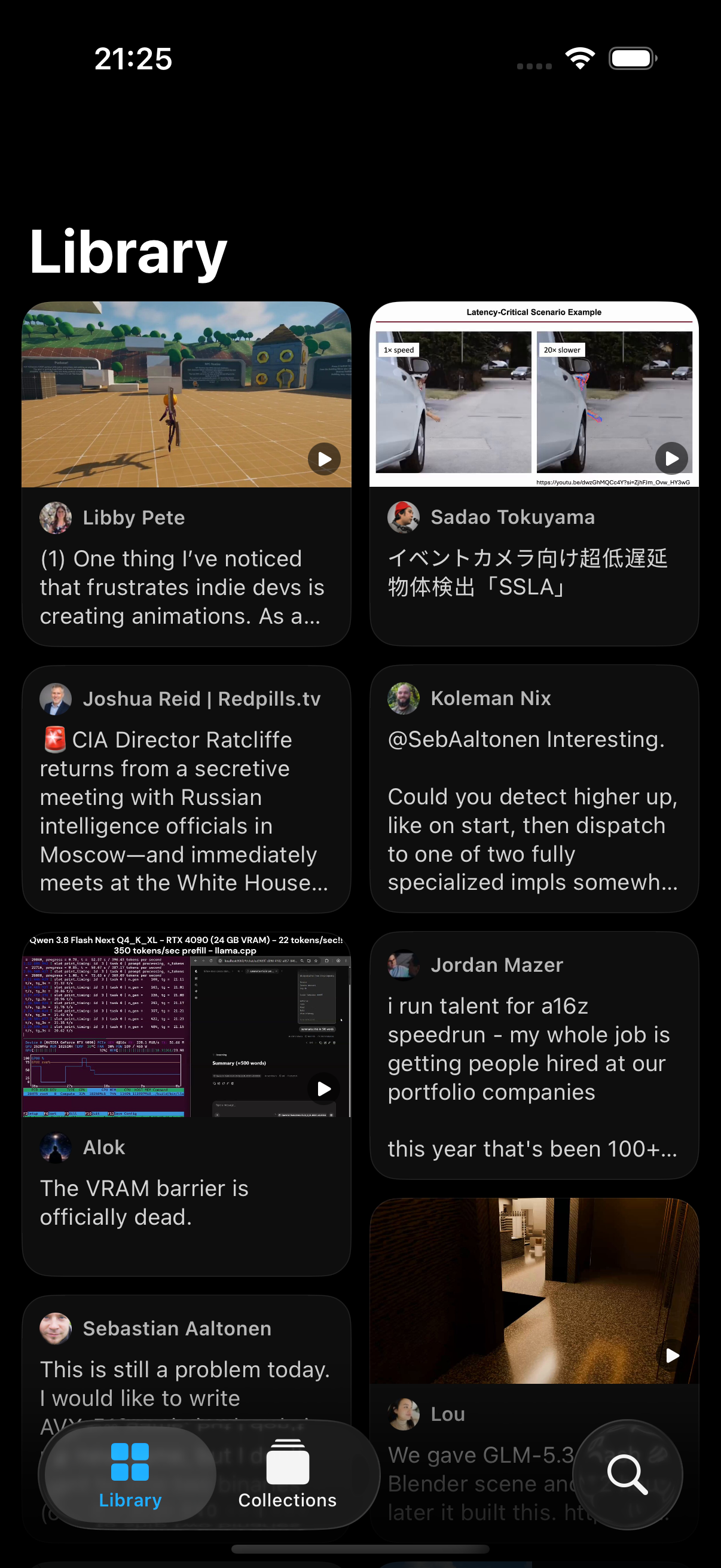
The same library on your phone.
Your library from the Mac arrives through your own iCloud. Bluesky and Are.na sync right on the phone. No Mac yet? Try it with a sample library.
Get the beta.
macOS · free during beta
No spam. Rare tasteful updates.